

Key Takeaways
Start With the Room, Not the Gear
The single biggest mistake people make when planning a home theater is opening a browser and shopping for a TV before evaluating the space they have. Room dimensions, ambient light, seating distance, and wall material all directly shape which equipment will actually perform well for you.
Measure your room's length, width, and ceiling height. Note every window and door, and think about when daylight hits the screen wall. A projector that looks stunning at night becomes washed out in a sun-drenched room at noon. Rectangular rooms with parallel walls create standing waves - bass that builds up and cancels out unevenly - so plan for acoustic treatment if your room is perfectly square or very bare.
Seating distance matters for display size. A general rule of thumb is that viewing distance should be roughly 1.5 to 2.5 times the diagonal screen size for a TV. Sit too close and you see pixels; too far and you lose the immersive effect that justifies the investment.
Sketch the Room Before You Shop
Draw a simple floor plan with dimensions and mark window locations and seating positions. Even a rough sketch prevents the common mistake of buying a display that's too large for the viewing distance or a speaker layout that won't physically fit. Take photos of the room from multiple angles - they'll be useful when comparing equipment specs to your actual constraints.
Choosing Your Display: TV vs. Projector
For most rooms with mixed lighting, a large-format TV - typically in the 65-85-inch range - is the practical choice. Modern panels using OLED or QLED technology deliver deep blacks, wide color, and crisp motion without requiring a dark room. If unfamiliar terms like HDR, refresh rate, or input lag are slowing you down, the Home Electronics Glossary breaks each one down in plain language.
Projectors shine (literally) in rooms you can fully darken. They can achieve screen sizes of 100 inches or more at a fraction of the cost per inch compared to large TVs, but they demand more setup discipline: a flat, white surface or dedicated screen, a controlled light environment, and a longer throw distance.
1.5-2.5x
Recommended viewing distance multiplier
Industry guidance from display and home theater standards groups suggests seating distance of 1.5 to 2.5 times the diagonal screen size for an immersive but comfortable viewing experience.
5.1
Most common home theater speaker configuration
A five-speaker, one-subwoofer layout remains the entry standard for true surround sound and is supported by virtually all AV receivers and source content.
For smart TV setup specifics - including network configuration and display settings - see the companion guide on setting up a new smart TV for the first time.
Building Your Audio System
Audio is where most home theater setups either come alive or fall flat. A system is typically described by two numbers: the number of speakers and the number of subwoofers. A 5.1 system has five speakers and one subwoofer; a 7.1.4 adds four overhead or upward-firing speakers for object-based audio formats like Dolby Atmos.
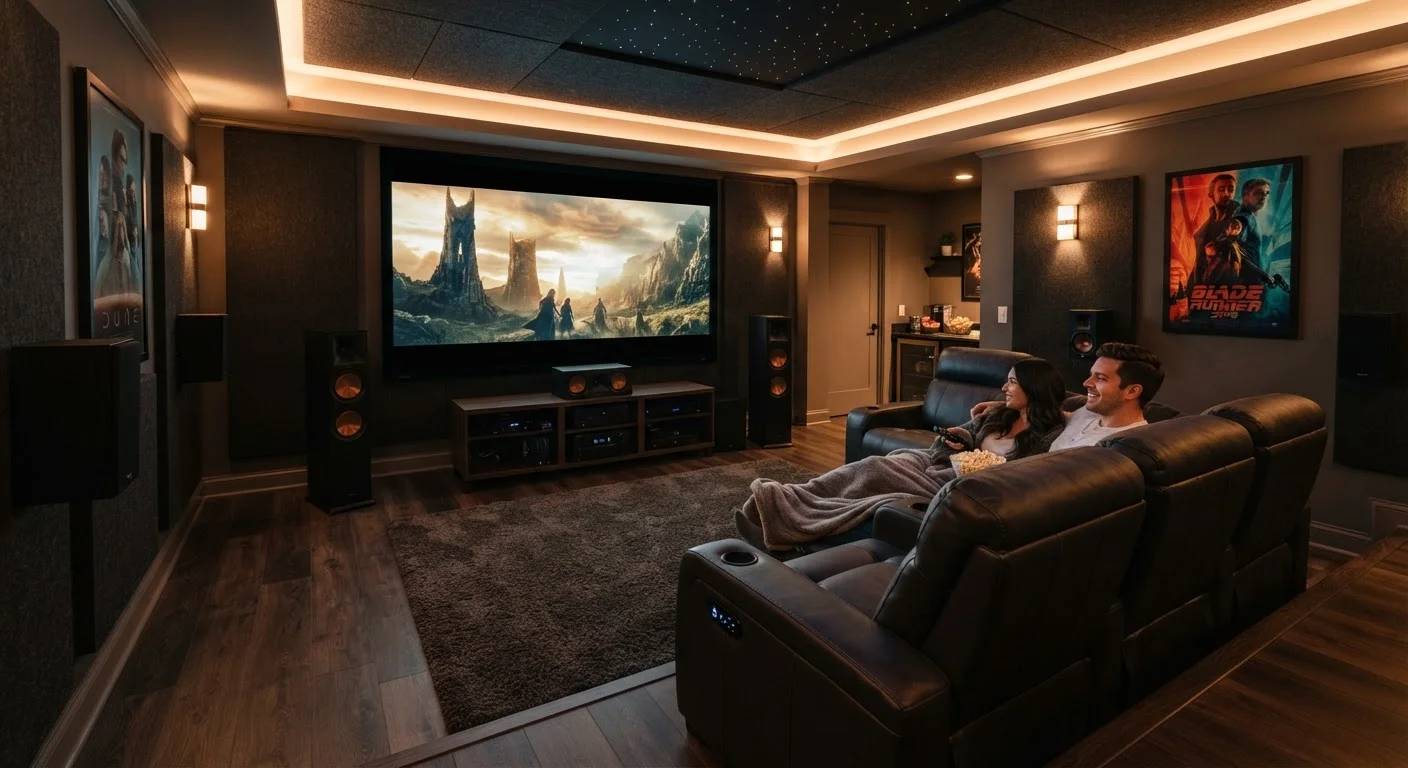
Speaker placement follows established patterns. Front left, center, and front right speakers form the primary stage. Surround speakers sit to the sides or slightly behind the primary seating position. The subwoofer handles low-frequency effects and is more placement-flexible, though corners and along walls generally reinforce bass output.
Position your center channel speaker as close to the screen's vertical center as possible - above or below the display. Dialogue anchors to the screen, and any vertical offset makes voices sound disconnected from the picture.
The center channel carries roughly 60-70% of a film's audio mix, primarily dialogue. Poor placement is one of the most common sources of listener fatigue in otherwise capable systems.
Set your AV receiver's crossover frequency to 80Hz for most bookshelf and satellite speakers - this is the THX reference standard and directs low-frequency content to the subwoofer where smaller drivers can't reproduce it accurately.
Running small speakers full-range causes audible strain and distortion. An 80Hz crossover is a widely accepted baseline that works well across most consumer speaker types before you invest in room-specific tuning.
If audio format names like Dolby Atmos, DTS:X, and PCM feel opaque, the plain-language guide to home theater audio formats explains what each means and when it actually matters for your setup.
Connecting Everything: AV Receivers and Source Devices
An AV receiver (AVR) is the hub of a traditional home theater. It decodes audio formats, amplifies signals to your speakers, and routes video from source devices - streaming sticks, Blu-ray players, game consoles - to your display. When evaluating receivers, confirm HDMI 2.1 support if you want 4K at 120Hz passthrough for modern consoles or high-frame-rate streaming.
HDMI Versions Matter for Future-Proofing
HDMI 2.0 supports 4K at 60Hz, which covers most current streaming content. HDMI 2.1 supports 4K at 120Hz and 8K, and is required for Variable Refresh Rate (VRR) gaming. If you're buying a receiver or display today and plan to keep it for several years, confirming HDMI 2.1 availability on the ports you'll actually use is worth the extra attention during your research.
Simpler setups can use a soundbar with a built-in decoder, which reduces wiring complexity but typically sacrifices the spatial separation that dedicated speakers provide. If your room is small or casual viewing is the primary use, that tradeoff may be entirely reasonable.
Label every cable at both ends before routing them through walls or under floors. This one habit saves hours of troubleshooting later.
Calibrating Picture and Sound
Out-of-the-box settings on both displays and AV receivers are optimized for showroom floors, not living rooms. Calibrating your system is the highest-return task you can do after installation.
For picture: disable dynamic contrast enhancements, set the color temperature to a warm or neutral preset, and reduce sharpness - manufacturers typically ship this too high. Most modern TVs include a dedicated Cinema or Movie mode that moves settings closer to calibration standards than the default Vivid or Dynamic modes.
For sound: nearly every modern AV receiver includes an automatic room correction tool (Audyssey, YPAO, and MCACC are common examples). Place the included microphone at your primary seating position and run the setup wizard. The receiver measures speaker distance, level, and room acoustics, then applies equalization corrections automatically. This step alone closes most of the gap between a mediocre-sounding room and a genuinely immersive one.
Run Calibration Every Time You Move Speakers
Automatic room correction measurements are tied to exact speaker positions. If you rearrange furniture, move a speaker even a few inches, or add acoustic treatment after the initial calibration, rerun the measurement process. The corrections applied from an outdated measurement can actually degrade sound quality rather than improve it.
Budgeting and Planning Your Build
Home theater systems scale from a few hundred dollars to many thousands. What matters is allocating budget proportionally: the display and the audio system should each receive serious consideration, not one at the expense of the other.
A reasonable starting framework splits spend roughly evenly between the display, the audio components, and everything else (receiver, cables, mounts, acoustic treatment). Cutting aggressively on cables is fine - beyond a quality threshold, cable price has no measurable effect on signal quality for most consumer setups. Cutting on speakers or the display itself shows up in daily experience.
If budget discipline is on your mind as you plan, setting up a first monthly budget and the consumer smart shopping guide offer practical frameworks for allocating a major discretionary purchase without overextending. Build the core system first - display, receiver, front three speakers, and a subwoofer - then expand to full surround and overhead channels over time.
“The room is the most important component in any audio system. You can spend a fortune on equipment and still end up with mediocre sound if the room works against you.”
— Floyd Toole, Acoustic research scientist and author of 'Sound Reproduction: The Acoustics and Psychoacoustics of Loudspeakers and Rooms'