

Key Takeaways
Why Smart Speaker Privacy Matters More Than You Think
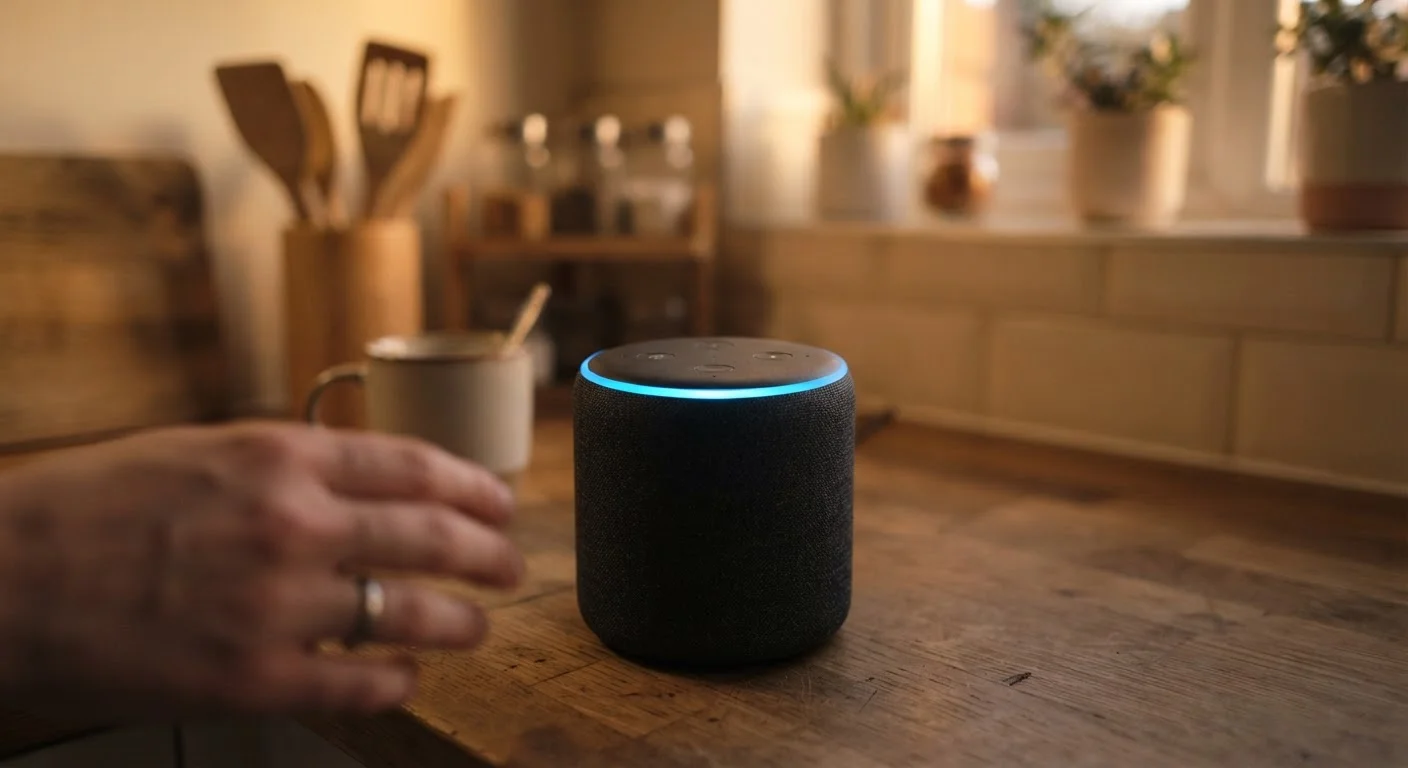
Smart speakers are designed to respond to a wake word - a short phrase that triggers active listening. The problem is that the device must monitor ambient audio continuously to detect that word, which means it is, by definition, always processing sound in your home. Most people accept this trade-off without fully understanding what happens to audio after the wake word fires.
Recordings of your voice commands are typically sent to cloud servers for processing. Depending on your settings, snippets of those recordings may be stored indefinitely, reviewed by human contractors for quality improvement, and used to improve the platform's AI models. None of this is hidden - it's disclosed in terms of service - but very few users read those documents or adjust the defaults.
If you already own a smart home setup, you may want to read our breakdown of smart home hub trade-offs alongside this guide, since hub-connected devices amplify both the convenience and the privacy considerations discussed here.
False Triggers Are More Common Than You'd Expect
Smart speakers occasionally activate without the user saying the wake word - a phenomenon caused by sounds or phrases that resemble it closely enough to trigger recording. Research from academic institutions has documented these false positives occurring multiple times per day in active households. Knowing this exists is reason enough to audit your stored recordings, where you may find short clips you don't recognize at all.
The Privacy Settings That Actually Make a Difference
Across the major smart speaker platforms, a consistent set of controls exists - though the menus and terminology differ. Here's what to look for in any companion app:
Review and delete your voice history regularly through the platform's privacy dashboard.
Voice recordings stored on a platform's servers can accumulate over months or years without the user's awareness. Periodic deletion limits how much historical data exists and reduces exposure if a data breach occurs.
Opt out of human review of your voice recordings if your platform offers this setting.
Major platforms have used human contractors to listen to random audio samples for quality assurance. While the stated purpose is improving accuracy, this means real people may hear fragments of your private conversations.
Use the physical microphone mute button when extended private conversations are expected.
Software-level privacy settings depend on the platform honoring them correctly. A hardware mute switch cuts the microphone circuit at the physical level, providing a more reliable guarantee than any software toggle.
Disable the speaker's voice-purchase feature unless you actively use it.
Voice purchasing allows anyone in the room - including guests or children - to place orders. This feature is often enabled by default and can result in unintended charges.
Create separate voice profiles for different household members rather than sharing one default profile.
Without distinct profiles, the speaker may conflate different users' preferences and data, making it harder to manage or delete individual usage history accurately.
Quick Actions You Can Take Today
Knowing the settings exist is one thing; acting on them is another. The following steps take five to fifteen minutes total and meaningfully reduce your exposure without disabling the speaker's core functionality.
For households with children, apply extra caution. Voice profiles tied to children's accounts, or speakers placed in kids' bedrooms, raise additional concerns around the Children's Online Privacy Protection Act (COPPA) protections. Review your platform's family settings specifically, and consult platform documentation about how minor users' data is handled differently.
Understanding What You're Agreeing To
Privacy policies are long, but smart speaker data practices can usually be understood through a few key questions: Does the platform store recordings by default? Can you delete them? Does opting out of storage affect device performance? Is your data used to train AI models, and can you opt out of that separately?
The answers vary by platform, and they change when companies update their policies - often quietly. Setting a recurring reminder to check your privacy dashboard every six months is a practical habit. Think of it the same way you'd approach reviewing a financial statement: routine review catches things that silently drift out of alignment with your preferences. For a broader framework on evaluating consumer products and their terms, understanding your consumer rights is a useful reference point.
“Privacy is not about having something to hide. It's about having the power to shape your own narrative and control information about yourself.”
— Ann Cavoukian, Former Information and Privacy Commissioner of Ontario, creator of Privacy by Design framework
The goal isn't paranoia - it's informed use. A smart speaker with well-configured settings remains genuinely useful while giving you meaningful control over what you share and with whom.
This article provides general consumer information about smart speaker privacy features. It does not constitute legal or data-privacy advice. For questions about your specific device's data practices, consult the manufacturer's official privacy documentation or a qualified privacy professional.