

Key Takeaways
Mesh Wi-Fi Network
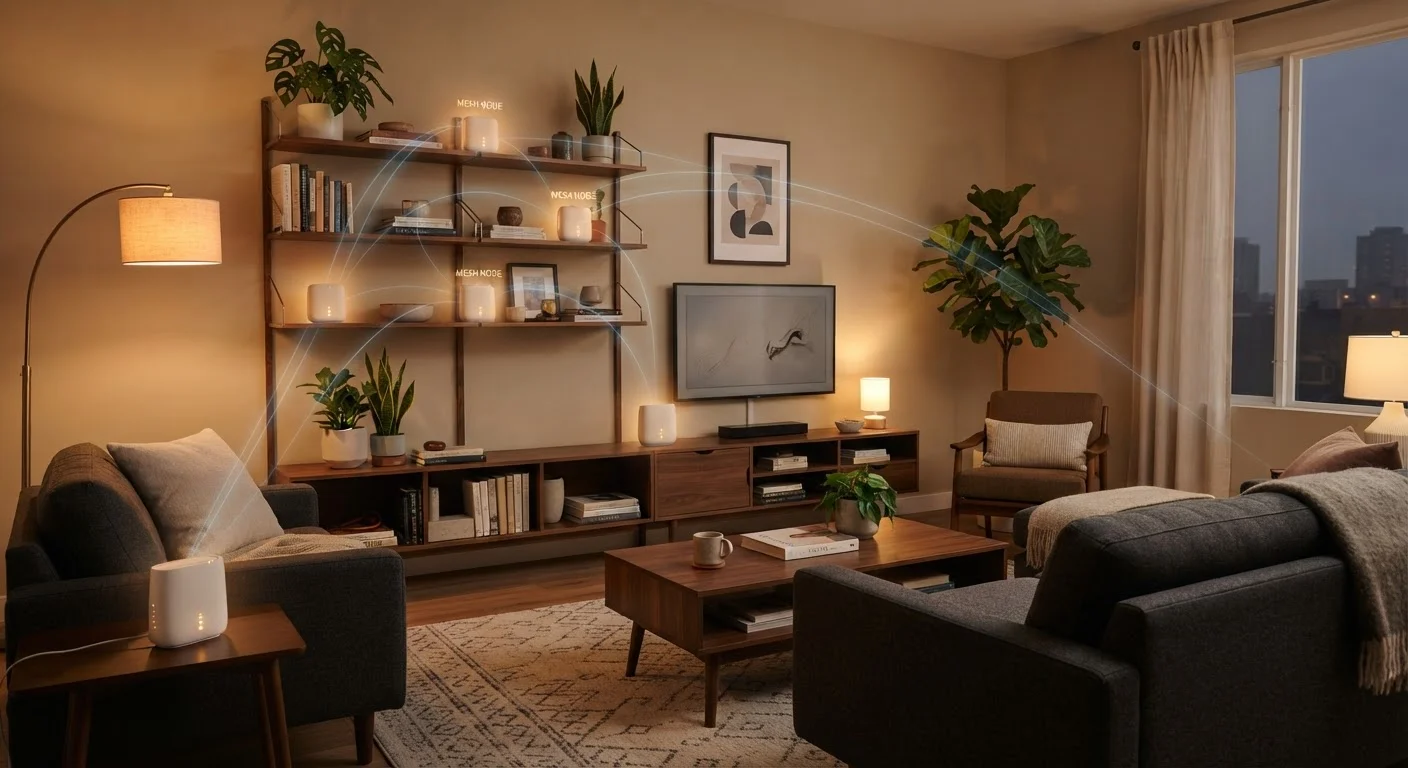
A mesh Wi-Fi network is a home networking setup that uses multiple hardware nodes - typically two to five small devices - placed around your home to create a single, seamless wireless network. Instead of one router doing all the work, each node communicates with the others to pass your device's connection along as you move through the house. The result is more even coverage with fewer dead zones than a traditional single-router setup.
Mesh nodes use a dedicated wireless 'backhaul' channel - sometimes a separate radio band - to communicate with each other, keeping that traffic separate from the band your devices actually use. Some systems support wired backhaul over Ethernet for even better performance.
What Makes Mesh Different from a Standard Router
A traditional home router sits in one spot - often near the modem by the front door or in a home office - and broadcasts Wi-Fi in every direction from that single point. That works well if your home is compact and open-plan. But signal strength drops with distance and degrades sharply through walls, floors, and dense materials like brick or concrete.
A mesh system addresses this by distributing the network across multiple nodes. Each node acts as a full access point, and they all share a single network name (SSID). Your phone or laptop connects to whichever node has the strongest signal, and when you walk from the kitchen to the bedroom, the system hands your device off to the nearest node - automatically and without you reconnecting. That seamless handoff is the defining feature that separates mesh from older workarounds.
Mesh vs. ISP-Provided Equipment
Many ISPs now offer their own 'mesh' or 'whole-home Wi-Fi' rental programs. These can work well, but you pay a monthly fee indefinitely. A one-time purchase of a mesh system you own outright is often more cost-effective over a two- to three-year horizon. Check whether your ISP's equipment supports putting their gateway in bridge mode, which lets your own mesh system manage the network properly.
This is meaningfully different from simply having a wired access point added by your ISP. Many ISP-supplied setups place a second unit in a far room but still rely on you to switch networks manually. Mesh automates that process.
Mesh vs. Range Extenders: Why the Distinction Matters
Range extenders (also called Wi-Fi boosters or repeaters) are a common and cheaper attempt to solve the same problem. They pick up the signal from your main router and rebroadcast it - but under a different network name. Your devices don't automatically move between them, which means you may find yourself stuck on a weak signal from the original router even when you're standing next to the extender.
There's also a bandwidth cost. Because a single-radio extender receives and retransmits on the same channel, it effectively cuts available throughput in half for devices connected through it. Mesh systems mitigate this by using a dedicated backhaul - a separate radio band or a physical Ethernet cable - solely for node-to-node communication, leaving the full client-facing band available for your devices.
Wired Backhaul Is Worth the Effort
If your home already has Ethernet runs - or you're willing to add them - connecting mesh nodes via cable rather than wirelessly eliminates the biggest performance penalty of mesh systems. Even a single wired backhaul connection between the primary node and one satellite dramatically improves throughput on that leg of the network.
For a deeper look at how wireless compares to wired connections across the board, see our guide to wired vs. wireless home networking.
When Mesh Makes Sense - and When It Doesn't
Mesh is genuinely useful in specific situations. If your home is over 2,500 square feet, spans multiple floors, or is built with signal-blocking materials (plaster lath, brick, concrete), a single router will leave coverage gaps regardless of how good it is. The same applies to homes where outdoor areas - a backyard, detached garage, or covered patio - need reliable coverage.
It also helps in homes with many connected devices. Smart home setups with dozens of sensors, cameras, and assistants benefit from distributed access points that prevent any single node from becoming a bottleneck. If you're exploring how those devices integrate, our article on smart home hub trade-offs covers the broader picture.
On the other hand, mesh is overkill for most apartments and smaller single-story homes. A well-positioned router - ideally centrally located and elevated - can cover 1,500 square feet reliably. Adding mesh nodes where they aren't needed adds cost and management complexity without a meaningful benefit.
~30%
Throughput reduction from wireless backhaul
Networking researchers and manufacturers commonly cite 30-50% throughput loss when a mesh node uses the same band for backhaul as for client connections, compared to dedicated-backhaul designs.
2,000 sq ft
Typical single-node coverage estimate
Most mesh system manufacturers rate individual nodes at roughly 1,500-2,500 square feet, though actual coverage varies with building materials and layout.
25+
Connected devices in average U.S. home
Research from Deloitte's Digital Media Trends survey has consistently shown U.S. households averaging more than two dozen internet-connected devices, stressing single-router network designs.
Getting the Most Out of a Mesh System
Placement matters as much as hardware. Nodes need line-of-sight or short distances between them - placing two nodes too far apart defeats the purpose. A good rule of thumb: if you can't get a decent signal on your phone at the spot where a secondary node will sit, that node is too far from its neighbor.
Where possible, use wired backhaul. Running Ethernet between nodes removes the wireless bandwidth penalty entirely and produces performance close to a traditional wired network. If you're weighing whether a full wired setup might serve you better, our wired vs. wireless networking comparison lays out the honest trade-offs.
Also consider whether your mesh system supports the latest Wi-Fi standards. Newer nodes built on Wi-Fi 6 or Wi-Fi 6E handle more simultaneous device connections more efficiently. Our explainer on what Wi-Fi 6 and 6E actually deliver explains what those upgrades realistically provide in a home environment.